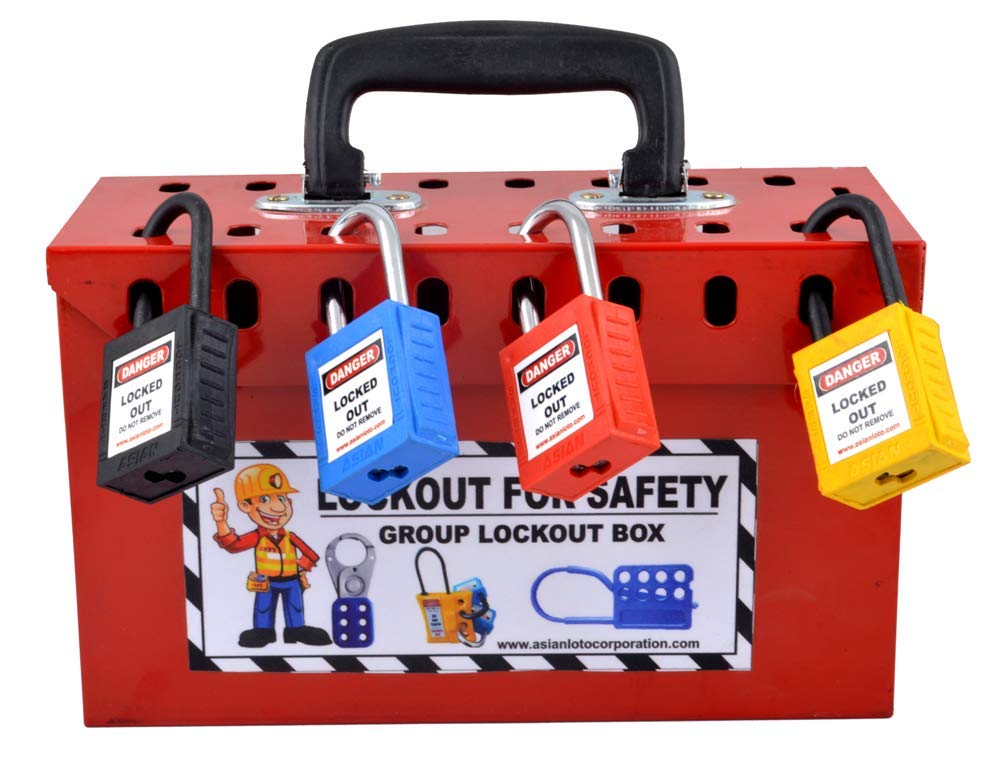
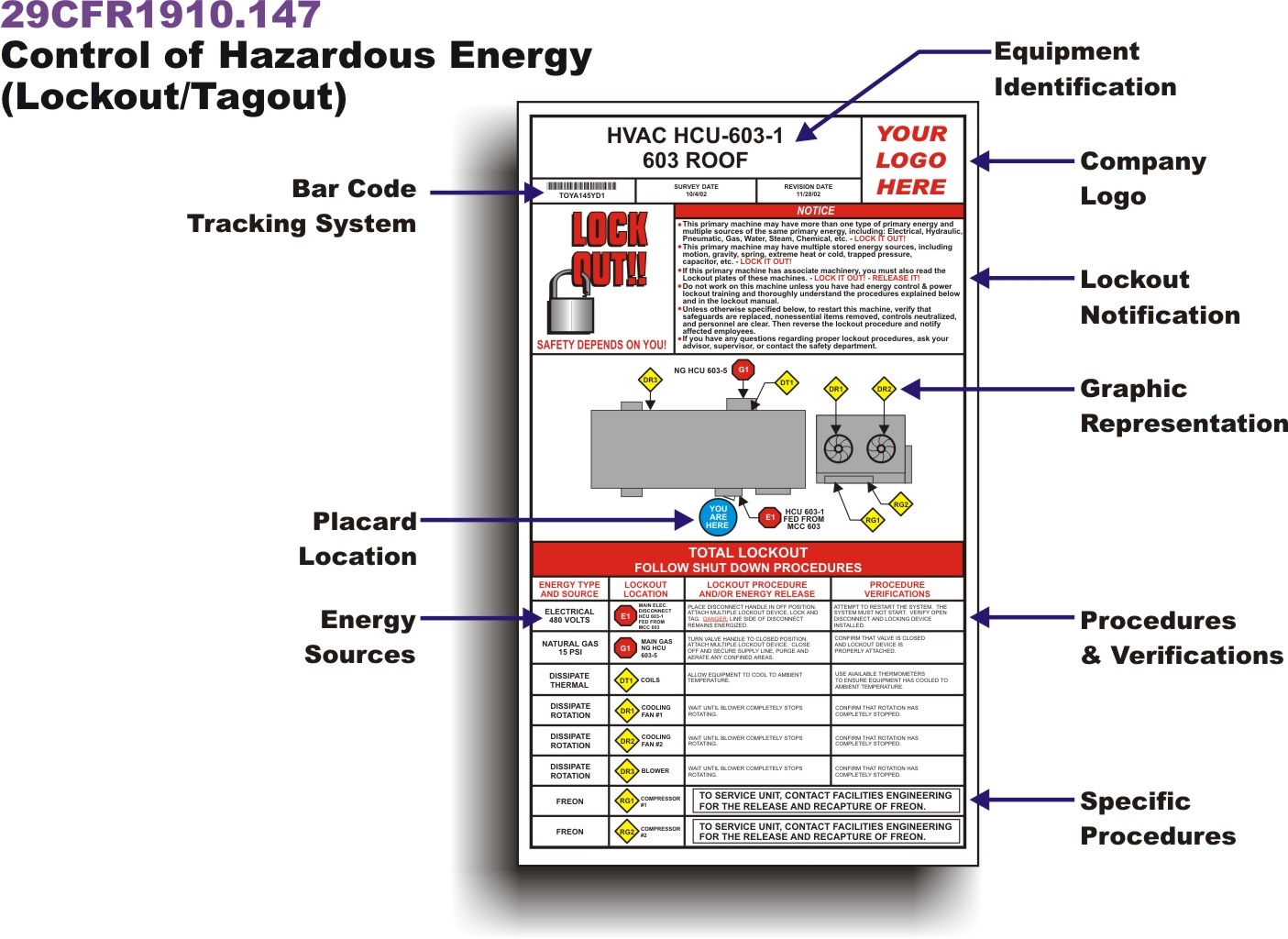
Equipment fails. Workers rush. Systems power up unintentionally. Every year, hundreds of preventable injuries occur during maintenance—all because machinery wasn’t properly isolated. The solution? A standardized lockout tagout procedure form. It’s not just paperwork—it’s a legal safeguard, a procedural anchor, and a frontline defense against electrocution, amputation, or worse.
While OSHA’s 29 CFR 1910.147 sets the standard, it’s the lockout tagout procedure form that turns regulation into action. This document bridges policy and practice, ensuring every technician follows the same safe steps—every single time. Ignore it, and you risk violations, downtime, or tragedy. Master it, and you build a culture where safety is non-negotiable.
Why Every Facility Needs a Lockout Tagout Procedure Form
A lockout tagout (LOTO) procedure form isn’t optional—it’s a required element of any energy control program. Without it, even trained workers face ambiguity during high-risk maintenance.
Consider a real-world example: A maintenance team in a Midwestern packaging plant once bypassed a verbal LOTO check. They assumed a conveyor was de-energized. It wasn’t. A sudden restart crushed a worker’s hand. Investigation revealed no written form existed—just an outdated bulletin board notice. The OSHA fine exceeded $90,000.
A proper LOTO form eliminates guesswork. It documents: - Specific energy sources (electrical, hydraulic, pneumatic, etc.) - Step-by-step shutdown and isolation procedures - Authorized employee responsibilities - Verification steps before work begins
More than compliance, it’s accountability. When every action is mapped and signed, workers stay focused, supervisors verify progress, and emergencies are less likely.
What to Include in a Lockout Tagout Procedure Form
Generic templates fail because they don’t reflect actual equipment or workflows. A useful LOTO form must be machine-specific and actionable. Here’s what every form should contain:
1. Equipment Identification
- Machine name and ID number
- Location (e.g., Production Line B, Floor 2)
- Department or responsible team
Without precise identification, confusion arises—especially in facilities with multiple units of the same model.
2. Energy Source Mapping List every potential energy source:
- Main electrical disconnect
- Hydraulic reservoirs
- Pneumatic lines
- Gravity-fed components
- Stored rotational energy (flywheels, springs)
Example: On a CNC press, failure to isolate compressed air lines led to a cylinder suddenly extending during blade replacement. The fix? A revised LOTO form that explicitly called out air valve lock positions.
3. Step-by-Step Procedure Break
this into phases:
- Preparation: Notify affected employees, gather locks/tags
- Shutdown: Standard operating procedure to stop equipment
- Isolation: Physically disconnect energy sources
- Lockout Application: Attach personal lock and tag with employee name, date, and reason
- Energy Dissipation: Bleed lines, drain capacitors, block moving parts
- Verification: Attempt to restart (test), then re-lock
Clarity is critical. Use bullet points or numbered steps. Avoid vague language like “ensure power is off.” Instead: “Open circuit breaker CB-7, verify with multimeter at 0V.”
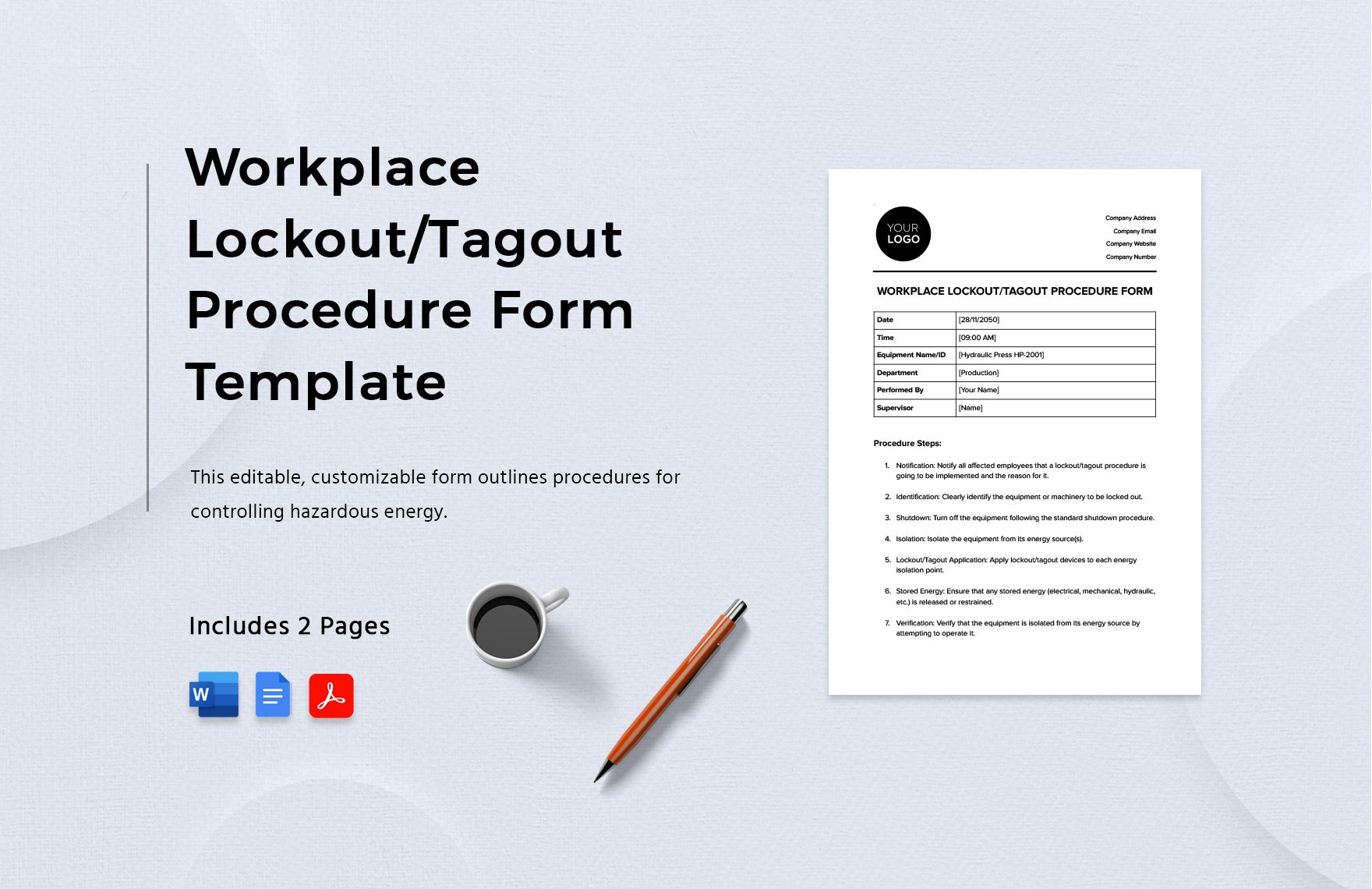
4. Authorized Personnel Section Only trained, designated employees should perform LOTO. The form must include: - Names or roles of authorized personnel - Signature lines for each lock applied - Date and time of lock application and removal
This creates a clear audit trail. If something goes wrong, you know exactly who was involved and when.
Common Mistakes That Undermine LOTO Forms
Even well-designed forms fail when misused. These errors are widespread:
Using One Form for Multiple Machines A universal LOTO template seems efficient—until it’s applied to a boiler and a robotic arm. Different machines have different energy profiles. Always create equipment-specific forms.
Skipping Verification Steps Workers sometimes assume “if it’s locked, it’s safe.” But residual energy can linger. Always include a “test for zero energy” phase—using voltage testers, pressure gauges, or physical checks.
Allowing Group Lockout Confusion In team maintenance, multiple locks are used. Yet many forms fail to include a group LOTO checklist or a primary coordinator. Without it, miscommunication leads to premature re-energization.
Poor Form Accessibility If the LOTO form is buried in a filing cabinet or on a shared drive no one checks, it’s useless. Best practice: laminate the form and mount it near the machine’s control panel or use QR codes linking to digital versions.
Digital vs. Paper Lockout Tagout Forms: Which Works Better?
The shift from paper to digital is accelerating—but which format delivers real safety gains?
| Factor | Paper Forms | Digital Forms |
|---|---|---|
| Accessibility | Prone to damage, loss | Cloud-based, always available |
| Updates | Slow, manual revision | Instant push updates |
| Compliance Tracking | Manual logs | Automated timestamps, audit trails |
| Training Integration | Limited | Can embed videos, checklists |
| Cost | Low upfront | Higher initial investment |
For small shops with minimal rotating equipment, paper may suffice. But for facilities with 50+ machines or frequent maintenance, digital forms win. They reduce human error, enforce step completion, and integrate with CMMS (Computerized Maintenance Management Systems).
Example: A food processing plant in Oregon cut LOTO errors by 74% after switching to tablets with GPS-verified form completion. Technicians couldn’t skip steps, and supervisors received real-time alerts.
Still, digital isn’t magic. It requires training, device availability, and backup systems for network outages. The best approach? Start with critical equipment, pilot digitally, then scale.
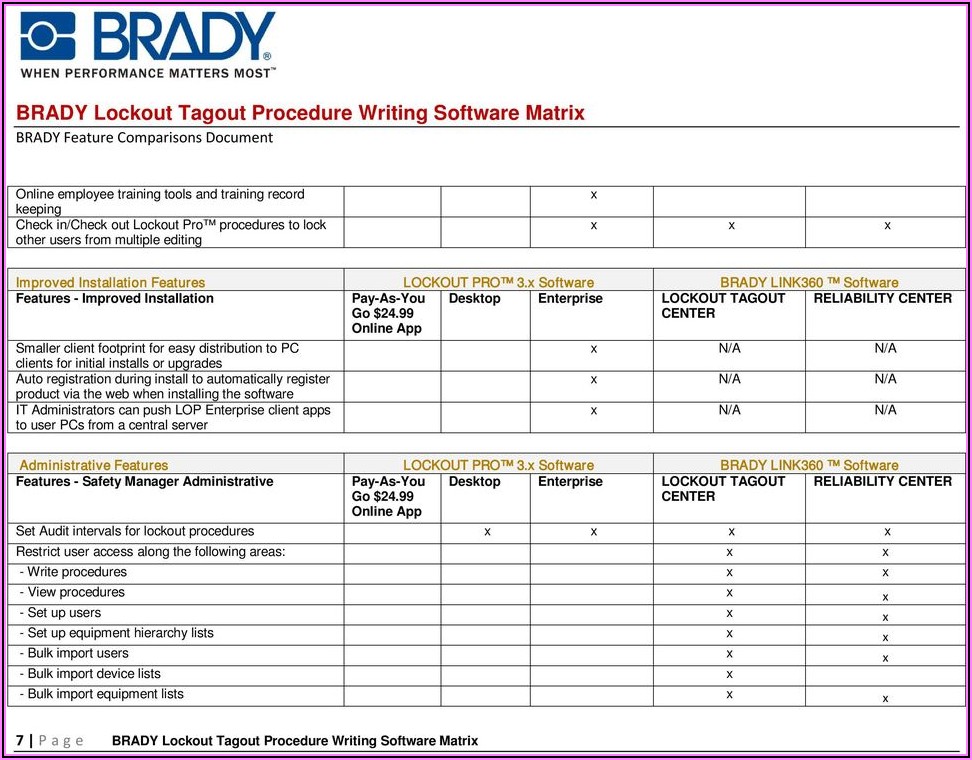
5 Tools to Create and Manage Lockout Tagout Procedure Forms
Modern safety programs leverage technology to streamline LOTO documentation. Here are five reliable platforms:
- SafetyCulture (iAuditor)
- - Customizable LOTO templates
- - Mobile app with offline mode
- - Photo and signature capture
- - Integrates with Slack and MS Teams
- LockOut/TagOut Pro by Seton
- - Pre-built OSHA-compliant forms
- - Printable and digital versions
- - Equipment database with barcode support
- EHS Insight
- - Full LOTO program builder
- - Workflow automation and alerts
- - Audit-ready reporting
- Framo Safety LOTO Software
- - 3D equipment diagrams linked to forms
- - Role-based access control
- - Multilingual support for global teams
- MaintainX
- - Free LOTO templates
- - Task scheduling and team messaging
- - CMMS integration
These tools don’t replace training—they enhance it. By digitizing forms, you make compliance habitual, not heroic.
How to Audit Your LOTO Procedure Forms
Annual inspections are required by OSHA, but reactive audits miss the point. Conduct unannounced, equipment-specific reviews to catch real gaps.

Sample audit checklist: - Is the form current and machine-specific? - Are all energy sources accurately listed? - Does the procedure include verification steps? - Are locks and tags present during mock maintenance? - Can an employee walk through the form without guidance?
One aerospace manufacturer conducts quarterly “blind drills”: supervisors hand a form to a technician and ask them to perform LOTO without prior notice. Results are reviewed, and form revisions happen within 48 hours.
If your audit only confirms compliance, it’s too shallow. Use it to improve.
Real-World Use Case: LOTO Form Saves a Technician
At a Wisconsin paper mill, a mechanic prepared to clean a pulp refiner. The LOTO form required isolating three energy sources: main power, steam inlet, and agitator drive. During verification, he noticed the steam line pressure hadn’t dropped.
He followed the form’s escalation protocol—alerted the supervisor, double-checked the valve lock, and discovered a faulty bleed valve. The line had retained 120 psi of pressurized steam. One wrong move could have caused a scalding explosion.
The form didn’t just guide him—it saved his life. Because every step was documented, the near-miss was reported, the valve repaired, and the procedure updated.
Final Thoughts: Make Your LOTO Form a Living Document
A lockout tagout procedure form shouldn’t be printed once and forgotten. It must evolve with your equipment, team, and risk profile. Review it after every incident, machine upgrade, or process change.
Train new hires using the form—not as a handout, but as a script. Encourage feedback: if a technician says “Step 5 is unclear,” revise it immediately.
Safety isn’t about perfection. It’s about preparation. And the lockout tagout procedure form is your most powerful tool to ensure that when the machine stops, everyone stays safe.
Start today: pick one high-risk machine, audit its current form, and rebuild it with precision. Repeat weekly. In three months, you’ll have airtight procedures across your most critical assets.
FAQ What is the purpose of a lockout tagout procedure form? It provides a standardized, machine-specific plan to safely isolate energy sources during maintenance, protecting workers from accidental startup.
Who should complete the LOTO procedure form? Only authorized employees trained in energy control procedures should create or execute the form.
Can a LOTO form be digital? Yes, digital forms are compliant and often more effective due to real-time updates, verification, and integration with safety systems.
How often should LOTO forms be reviewed? OSHA requires annual inspections, but best practice is to review after any incident, equipment change, or near-miss.
Do all machines need a separate LOTO form? Yes, each machine or piece of equipment with unique energy sources must have its own form.
What happens if a LOTO form is missing or outdated? This violates OSHA regulations, increases injury risk, and can lead to fines, shutdowns, or legal liability.
Can multiple people use the same LOTO form during group maintenance? Yes, but the form must include a group lockout section with a designated coordinator and individual lock tracking.
FAQ
What should you look for in Lockout Tagout Procedure Form Essentials for Safety Compliance? Focus on relevance, practical value, and how well the solution matches real user intent.
Is Lockout Tagout Procedure Form Essentials for Safety Compliance suitable for beginners? That depends on the workflow, but a clear step-by-step approach usually makes it easier to start.
How do you compare options around Lockout Tagout Procedure Form Essentials for Safety Compliance? Compare features, trust signals, limitations, pricing, and ease of implementation.
What mistakes should you avoid? Avoid generic choices, weak validation, and decisions based only on marketing claims.
What is the next best step? Shortlist the most relevant options, validate them quickly, and refine from real-world results.