A missing or poorly maintained lockout tagout log can turn a routine maintenance task into a catastrophic incident. Despite OSHA’s clear regulations, many facilities still treat the LOTO log as a formality—filled out inconsistently, duplicated across shifts, or worse, fabricated after the fact. But the log isn’t just paperwork. It’s a legal record, a communication tool, and a critical layer of protection when machines are deactivated for service.
This isn’t about ticking a box. It’s about accountability, clarity, and preventing someone from getting hurt because a lock was removed too soon. Below, you’ll see a practical lockout tagout log example, understand the elements that make it effective, and learn how to implement it in real-world operations.
What Is a Lockout Tagout Log?
The lockout tagout log is a documented record of every time energy-isolating devices are applied to machinery for servicing or maintenance. It tracks who applied locks, when, for what purpose, and when the system was safely re-energized.
Unlike the lockout tagout procedure—which outlines the step-by-step process—the LOTO log captures the execution of that procedure. It serves as:
- A real-time visibility tool for maintenance teams
- A compliance record during OSHA audits
- A safety checkpoint to prevent accidental re-energization
Without this log, it’s impossible to verify whether proper protocols were followed, or to investigate incidents accurately.
Key Components of a Lockout Tagout Log
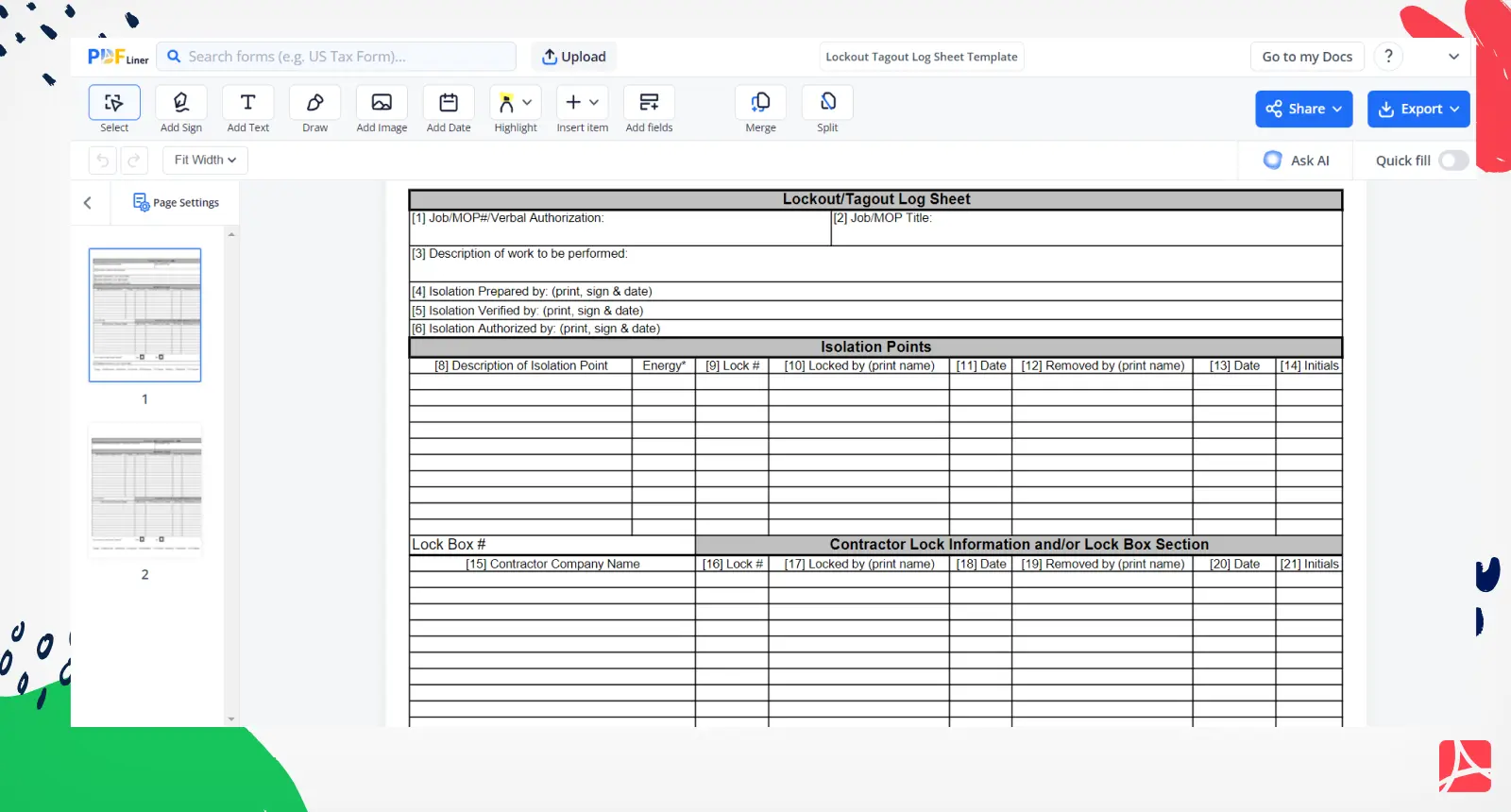
A useful LOTO log isn’t just a blank table. It must include specific data points that support traceability and safety. Here’s what every log should contain:
1. Equipment Identifier Clearly list the machine or system being locked out (e.g., “Conveyor Line 3 – Drive Motor”). Use asset tags or ID numbers to avoid confusion.
2. Date and Time of Lock Application Record both when the lock was applied and when energy isolation began. Precision matters—especially during shift changes.
3. Authorized Employee Name and Signature Only trained, authorized personnel should apply locks. Their name, ID, and signature confirm responsibility.
4. Type of Energy Source Specify each hazardous energy type isolated (electrical, hydraulic, pneumatic, thermal, etc.).
5. Lock and Tag Numbers Each lock should have a unique identifier tied to the employee. This prevents confusion and enables accountability.
6. Reason for Lockout Briefly state the work being performed (e.g., “Replace motor coupling”).
7. Time and Signature for Removal
When the work is done, the same employee must sign off on lock removal. No exceptions.
8. Supervisor Verification (Optional but Recommended) For high-risk tasks, supervisor sign-off adds another layer of validation.
Pro Tip: Digital logs with timestamped entries reduce tampering risks and ensure accurate time tracking across shifts.
Lockout Tagout Log Example (Real-World Scenario)
Here’s a realistic entry you might see in a manufacturing environment:
| Field | Entry |
|---|---|
| Equipment | Hydraulic Press – Station 5 (ID: HP-05) |
| Date & Time Applied | 2025-04-03, 07:42 AM |
| Authorized Employee | John Rivera (ID: JR114) |
| Energy Sources Isolated | Electrical (480V), Hydraulic Pressure |
| Lock Numbers | JR114-LK01, JR114-LK02 |
| Tag Numbers | JR114-TG01, JR114-TG02 |
| Work Performed | Replace hydraulic cylinder seals |
| Date & Time Removed | 2025-04-03, 10:15 AM |
| Employee Signature | J. Rivera |
| Supervisor Verified | A. Patel (Initials: AP) |
This example shows how a single log entry captures the full lifecycle of a lockout event. Notice that lock and tag numbers are paired, ensuring traceability. The supervisor’s initials add oversight without overcomplicating the process.
Common Mistakes in LOTO Logging (And How to Fix Them)
Even facilities with strong safety cultures make errors in LOTO documentation. Here are the most frequent missteps—and how to avoid them.
1. Using Blank or Generic Logs Some companies reuse the same log sheet for all equipment. This creates confusion. Fix: Use equipment-specific log templates or digital systems that auto-populate asset details.
2. Backdating or Falsifying Entries Rushed jobs lead to logs filled out after the fact. Fix: Implement real-time logging—pen-and-paper at the machine or mobile apps with GPS/time stamping.
3. Incomplete Sign-Offs Locks get removed without proper verification. Fix: Enforce a “two-step release” rule: physical removal only after signing the log.
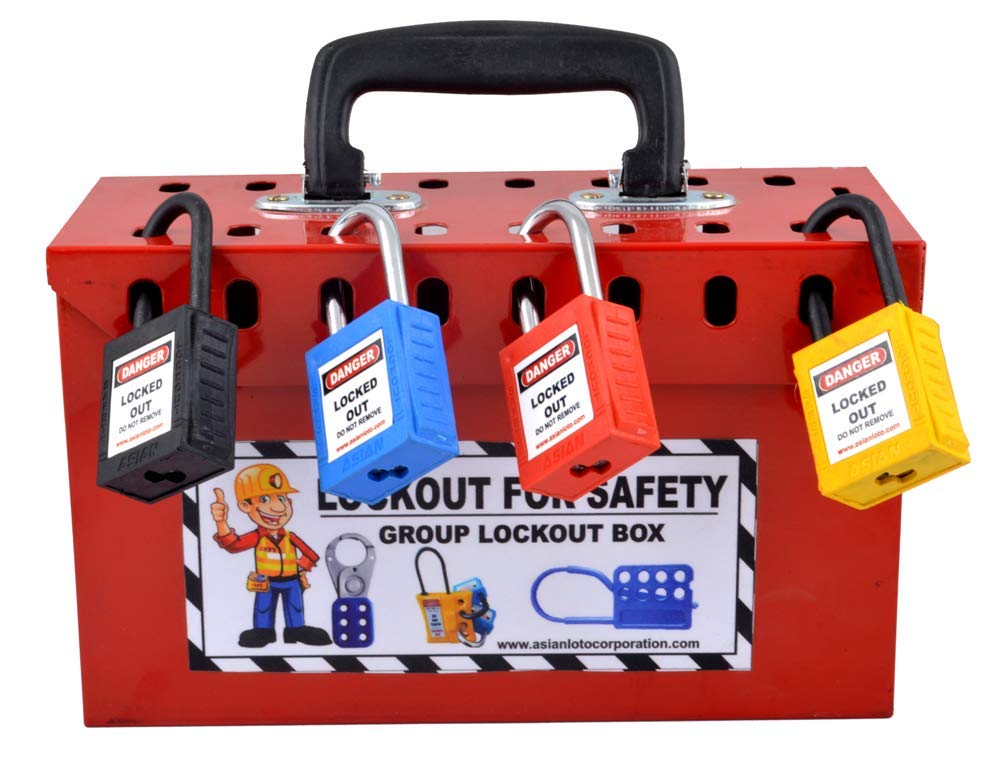
4. Ignoring Group Lockout Scenarios In team maintenance, only one person logs the work. Fix: Use a group lockout board with individual locks and a master log capturing all participants.
5. Poor Storage or Accessibility Logs buried in binders are useless during emergencies. Fix: Store logs near the equipment or in cloud-based safety systems accessible to supervisors and auditors.
Insight: OSHA has cited companies for “inadequate documentation” even when the lockout was technically correct—because the log didn’t prove it.
How to Design an Effective LOTO Log Template
Creating your own log doesn’t have to be complex. Focus on clarity, compliance, and ease of use.
Paper-Based Log Template Tips:
- Use carbon copy pages so the original stays on file and a duplicate goes with the work order.
- Include checkboxes for energy types (✓ Electrical, ✓ Pneumatic, etc.).
- Leave space for notes—unexpected delays or partial re-energization attempts should be recorded.
Digital Log Advantages:
- Auto-timestamping prevents manual entry errors.
- Alerts notify supervisors when a lock remains in place past a set time.
- Integration with maintenance software streamlines workflow.

Reality Check: A digital log isn’t always better. In environments with no Wi-Fi or high dust/moisture, a durable, laminated paper log may be more reliable.
When to Use a LOTO Log (Practical Use Cases)
The lockout tagout log isn’t just for major repairs. It should be used anytime energy control is required.
1. Routine Maintenance Changing filters, lubricating gears, or inspecting motors—all require isolation.
2. Equipment Jam Clearing Even a quick jam release on a conveyor can be deadly if the machine restarts unexpectedly.
3. Shift Handoffs If a lockout spans shifts, the outgoing employee logs their lock, and the incoming worker verifies it before continuing.
4. Contractor Work Outside technicians must be added to the log. Their locks and tags are treated the same as internal staff.
5. Emergency Repairs
When speed is critical, the log ensures no step is skipped—even under pressure.
Case Example: A food processing plant avoided a crushing injury when a night-shift technician checked the LOTO log and discovered a press was still locked from the day before. The tag clearly stated “Cylinder Seal Replacement – Do Not Energize.”
Best Tools for Managing LOTO Logs
While simple logs work, modern facilities are turning to tools that improve accuracy and compliance tracking.
| Tool | Key Features | Ideal For |
|---|---|---|
| Facilio | CMMS integration, mobile LOTO logging, real-time alerts | Large manufacturing plants |
| Fiix by Rockwell | Work order syncing, digital signatures, audit trails | Facilities with existing CMMS |
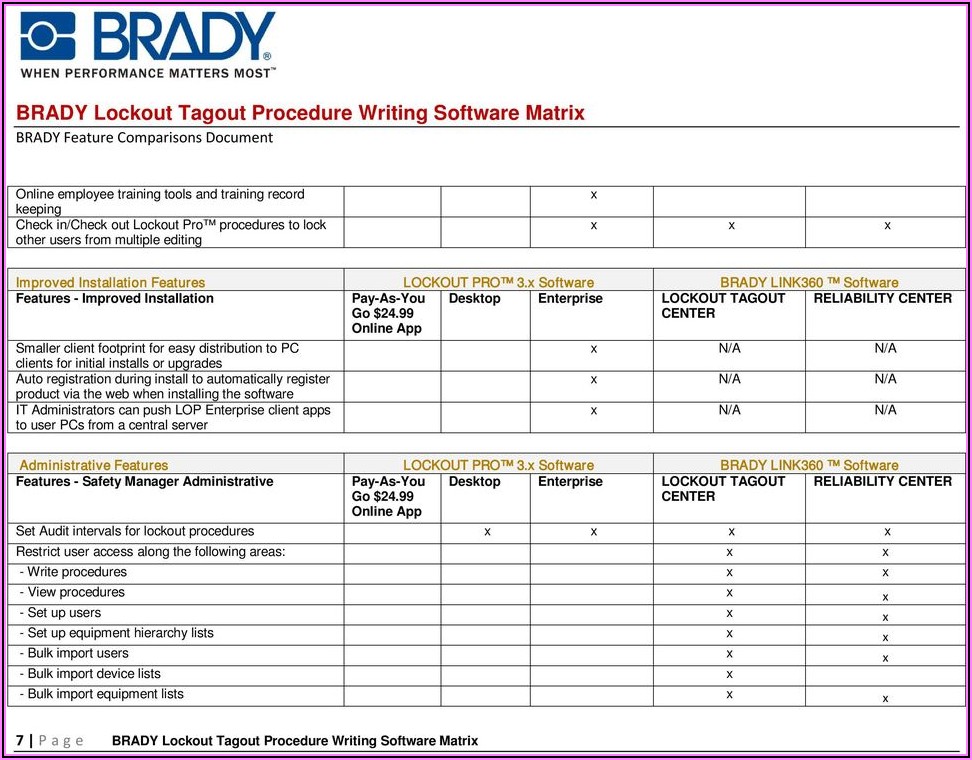
| Lockout Pro | LOTO checklist builder, photo logs, compliance reports | Mid-sized industrial sites |
| SafetyCulture (iAuditor) | Template library, offline access, PDF export | Field teams and contractors |
| EHS Insight | Automated reminders, incident linkage, OSHA reporting | Companies prioritizing compliance |
These platforms go beyond paper by adding verification layers and reducing human error. But even with software, employee training remains the foundation.
Final Thoughts: The Log Is Part of the Safety System
A lockout tagout log example isn’t just a template to copy. It’s a model of disciplined safety behavior. Whether on paper or digital, the log must reflect what actually happened—not what should have happened.
The best logs are used consistently, stored accessibly, and reviewed regularly. They’re not created to pass an audit, but to protect people.
Start by auditing your current logging process. Are entries complete? Are locks and tags traceable? Can a new employee understand the status of a machine just by checking the log?
If not, redesign it. Use the example above as a baseline. Train your team on why every signature matters. Because when a machine starts unexpectedly, the log won’t just be evidence—it could be the reason someone goes home safe.
Frequently Asked Questions
What should be included in a lockout tagout log? A complete log includes equipment ID, date/time of lock application and removal, authorized employee details, lock/tag numbers, energy types isolated, and work performed.
Who is responsible for filling out the LOTO log? The authorized employee performing the servicing is responsible for completing and signing the log.
Can a LOTO log be digital? Yes, digital logs are acceptable and often preferred for better tracking, time stamps, and integration with maintenance systems.
How long should LOTO logs be kept? OSHA recommends retaining logs for at least one year, though high-risk environments may keep them longer for incident review.
Is a log required for every lockout? Yes, any time energy control is used for servicing or maintenance, a log must document the process.
Can multiple employees use the same log entry? In group lockouts, each employee applies their own lock and tag, but a single log can document the entire team’s work with individual identifiers.
Do contractors need to be in the LOTO log? Absolutely. All personnel, including outside contractors, must be listed with their lock/tag numbers and work details.
FAQ
What should you look for in Lockout Tagout Log Example: Practical Templates & Uses? Focus on relevance, practical value, and how well the solution matches real user intent.
Is Lockout Tagout Log Example: Practical Templates & Uses suitable for beginners? That depends on the workflow, but a clear step-by-step approach usually makes it easier to start.
How do you compare options around Lockout Tagout Log Example: Practical Templates & Uses? Compare features, trust signals, limitations, pricing, and ease of implementation.
What mistakes should you avoid? Avoid generic choices, weak validation, and decisions based only on marketing claims.
What is the next best step? Shortlist the most relevant options, validate them quickly, and refine from real-world results.