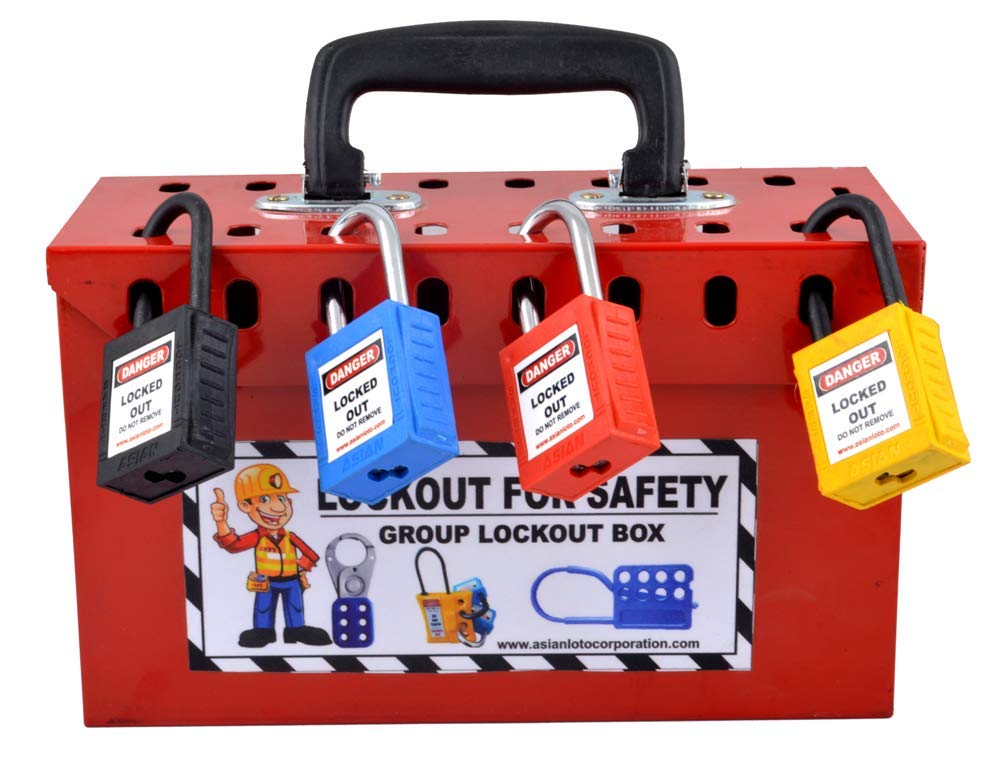
Every year, hundreds of workers suffer severe injuries—or worse—because machinery was accidentally re-energized during maintenance. The root cause? A missing or poorly executed lockout tagout procedure form. This single document isn’t just paperwork—it’s a legally required, life-saving protocol that clearly defines how to isolate hazardous energy sources.
Without a standardized form, even experienced technicians can skip steps, miscommunicate, or assume safety measures are in place when they’re not. A well-designed lockout tagout (LOTO) procedure form turns abstract safety policies into actionable, auditable steps—ensuring every worker walks away unharmed.
Why a Lockout Tagout Procedure Form Is Non-Negotiable
OSHA standard 29 CFR 1910.147 mandates that all facilities using hazardous energy sources must have a written energy control program. At the core of this program is the lockout tagout procedure form. It’s not optional. It’s not just for show during audits. It’s a real-time safeguard.
Consider this: A maintenance technician opens a conveyor motor housing to replace a bearing. Unbeknownst to them, another worker resets a breaker upstream, energizing the system. Without proper lockout, that technician could suffer electrocution or amputation.
A lockout tagout procedure form prevents this by:
- Documenting exact shutdown and isolation steps
- Identifying all energy sources (electrical, hydraulic, pneumatic, chemical, etc.)
- Assigning accountability to authorized employees
- Creating a verification trail for compliance
Facilities that rely on verbal instructions or memory-based processes are gambling with safety. The form eliminates ambiguity and ensures consistency—even during shift changes or emergency repairs.
Key Elements of an Effective Lockout Tagout Procedure Form
A generic template won’t cut it. An effective LOTO form must be equipment-specific and detailed enough to guide any authorized employee through the process without confusion. Here are the essential components:
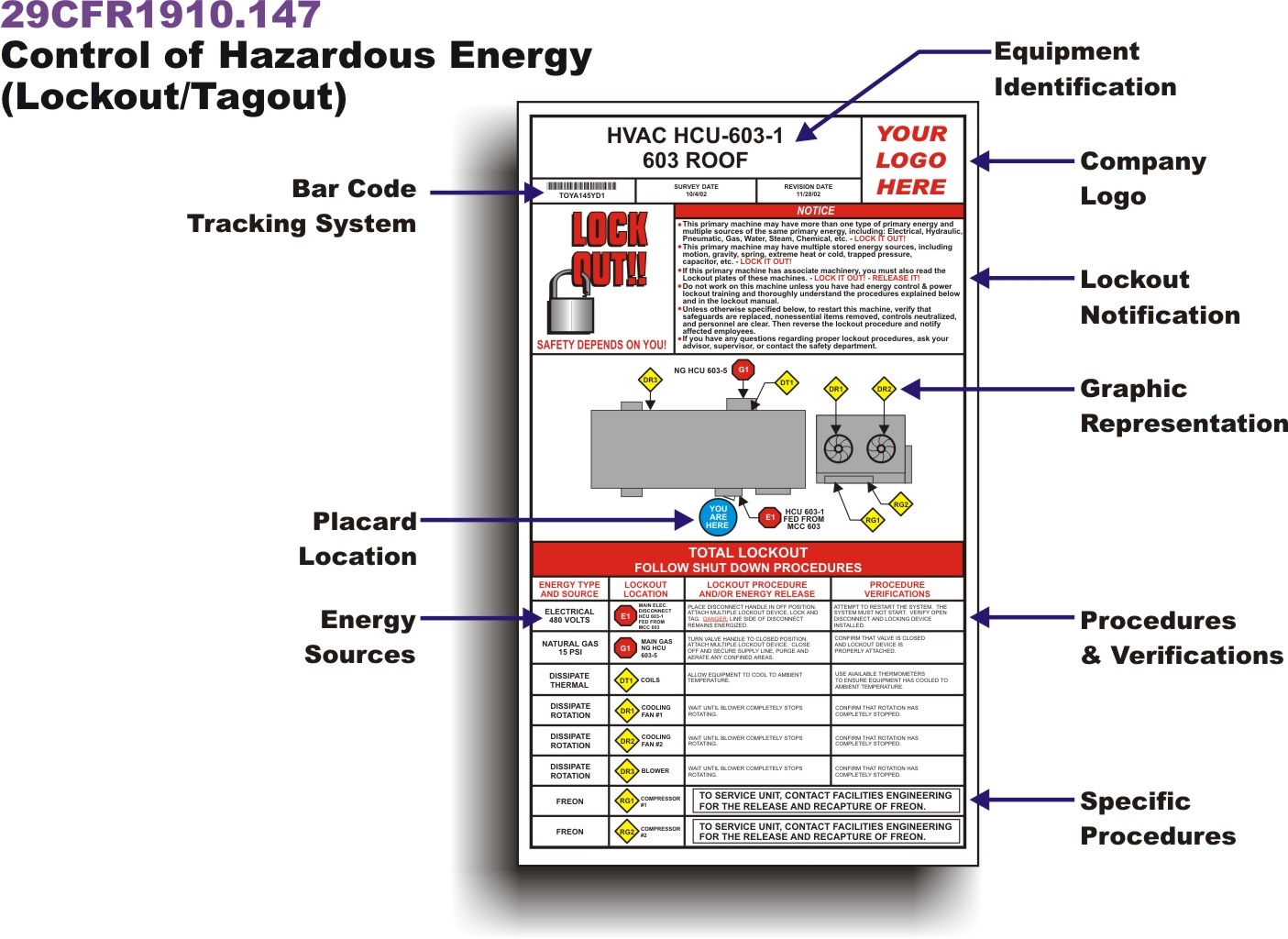
1. Equipment Identification Clearly name the machine or system. Include model number, location, and unique ID. Example: “Hydraulic Press – Model HP-4500 – Production Line 3, Bay B.”
2. Energy Source Inventory List every potential energy source:
- Main electrical disconnect
- Secondary circuits
- Pneumatic lines
- Hydraulic reservoirs
- Stored mechanical energy (springs, flywheels)
Each source must be individually addressed in the procedure.
3. Step-by-Step Lockout Sequence Break down the process into clear, sequential actions:
- Notify affected personnel.
- Shut down the machine using the normal stop button.
- Isolate the main power disconnect.
- Release stored energy (e.g., bleed hydraulic lines).
- Apply lockout device and personal lock.
- Attach tag with name, date, and reason.
- Verify zero energy state (test start).
Ambiguity kills. Use verbs like “locate,” “isolate,” “verify,” and “confirm.” Avoid vague terms like “secure” or “make safe.”
4. Authorized Employee Section Designate who can perform the lockout. Include signature lines and date/time fields. This creates accountability.
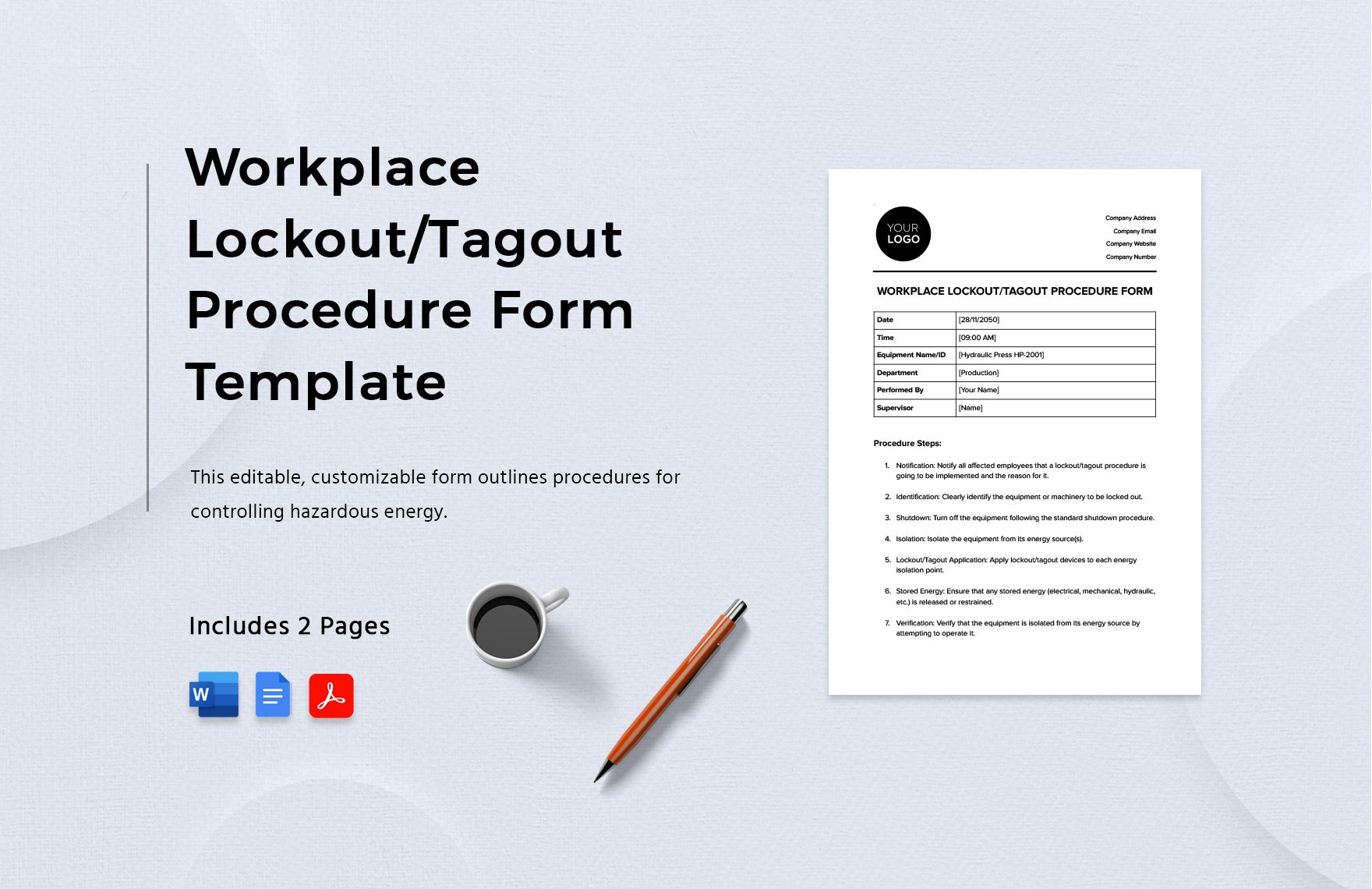
5. Verification and Release Protocol Detail how to confirm the machine is de-energized (e.g., test operation after lockout). Also, define the steps for removing locks—only the original employee should remove their lock, unless a formal transfer procedure is in place.
Common Mistakes That Undermine LOTO Forms
Even companies with forms on file often fall into traps that compromise safety:
Mistake 1: Using One Form for Multiple Machines A universal template sounds efficient—until it misses a hydraulic line on a specific press. Each high-risk machine needs a dedicated form.
Mistake 2: Skipping Verification Workers assume “it’s off” after flipping a switch. True safety comes from testing—trying to start the machine after lockout to confirm it won’t operate.
Mistake 3: Allowing Tag-Only Applications Tags are warnings. Locks are physical barriers. OSHA permits tag-only use only if the lock is not feasible—and even then, additional protective measures are required.
Mistake 4: Incomplete Training Records A form is only as strong as the people using it. Training logs must link each authorized employee to specific equipment procedures.
Mistake 5: Failing to Update
After Equipment Changes A machine retrofit? New control panel? If the LOTO form isn’t revised, it’s outdated—and dangerous.
Real-World Use Case: Preventing a Near-Miss in Manufacturing
At a Midwest automotive parts plant, a technician began servicing a robotic arm without a current LOTO form. The existing document didn’t account for a recent upgrade to the servo control system.
During disassembly, a control signal from a nearby station briefly activated the arm. The technician narrowly avoided injury.
Post-incident review revealed three failures: - The LOTO form wasn’t updated after the upgrade - The technician wasn’t trained on the new system - No verification test was performed
The fix? A revised, machine-specific form was created, signed off by engineering and safety teams. All authorized staff underwent retraining. Now, every LOTO procedure includes a QR code linking to the latest version, accessible from any floor tablet.
This case shows that a lockout tagout procedure form isn’t static—it’s a living document requiring maintenance, training, and enforcement.
How to Implement a LOTO Form System That Works
Creating a form is step one. Making it part of daily operations is where most companies fail. Follow this workflow:
Step 1: Conduct an Energy Audit Walk through every machine. Identify all energy sources. Document locations, isolation points, and lockable devices.
Step 2: Draft Equipment-Specific Forms Use a standard format but customize for each machine. Involve maintenance staff—they know where hidden hazards live.
Step 3: Train and Certify Employees Only authorized employees can perform lockout. Training must cover procedure reading, lock application, and verification. Keep records for at least three years.

Step 4: Conduct Annual Audits Watch a full lockout cycle. Check compliance with the form. Correct deviations immediately. OSHA requires documented audits at least once per year.
Step 5: Digitize and Distribute Print copies near equipment. But also store digital versions in a central system—accessible via mobile devices. Consider using cloud-based safety platforms for version control.
Top 5 Tools to Support Your LOTO Procedure Form
While the form is manual, technology can reinforce compliance and reduce errors. Here are five practical tools:
| Tool | Purpose | Real-World Benefit |
|---|---|---|
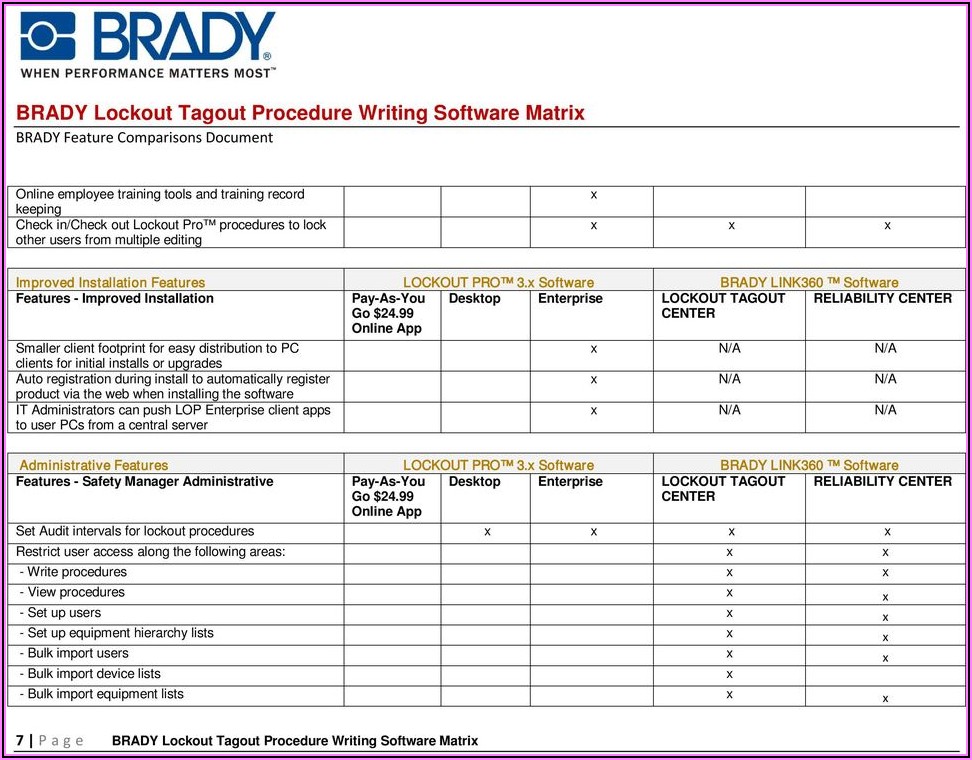
| BradyLock™ Suite | Digital LOTO management | Generates machine-specific forms, tracks lock usage, logs audits |
| iAuditor by SafetyCulture | Mobile inspection platform | Technicians complete digital LOTO checklists on tablets |
| MasterLock eTrade | Online lockout hardware ordering | Ensures correct locks/tags are available for every procedure |
| Sphera EHS | Enterprise safety software | Integrates LOTO forms with incident reporting and training |
| LOTOGenie | Form generator for small businesses | Creates OSHA-compliant templates in minutes |
These tools don’t replace human judgment—but they reduce the risk of missed steps, lost forms, or outdated procedures.
Pitfalls of Poorly Designed Lockout Tagout Forms
A weak form creates a false sense of security. Watch for these red flags:
- Vague language: “Turn off power” instead of “Open circuit breaker #45 in Panel B.”
- Missing energy types: Overlooking stored energy in springs or capacitors.
- No verification step: Failing to require a test run after lockout.
- Generic titles: “Machine LOTO” instead of “CNC Lathe Model X7 – Station 12.”
- No revision history: Makes it impossible to track updates.
A form that doesn’t reflect reality is worse than no form—it breeds complacency.
Making Your LOTO Procedure Form Audit-Ready
OSHA inspectors don’t just ask for forms—they’ll test them. They might: - Pick a machine and ask to see its LOTO form - Request a demonstration of the procedure - Check training records for the technician - Verify annual audit documentation
To pass, your forms must be: - Current (updated within 12 months or after changes) - Equipment-specific - Used in actual practice, not just filed away - Paired with training and audit records
One industrial facility avoided a six-figure fine because they had complete, machine-specific forms, training logs, and video evidence of annual audits. Documentation saved them.
Final Step: Turn Your Form Into a Safety Culture
A lockout tagout procedure form is more than a compliance checkbox—it’s a symbol of your commitment to people. When every technician sees a properly filled form, applies their lock, and verifies zero energy, they’re not just following rules. They’re practicing discipline.
Start today: - Audit your current LOTO forms - Update at least one high-risk machine this week - Train your team on the revised procedure
Safety isn’t about perfection. It’s about consistent, documented effort. And it begins with a single form—done right.
FAQ
What should you look for in Lockout Tagout Procedure Form: A Complete Guide to Safety Compliance? Focus on relevance, practical value, and how well the solution matches real user intent.
Is Lockout Tagout Procedure Form: A Complete Guide to Safety Compliance suitable for beginners? That depends on the workflow, but a clear step-by-step approach usually makes it easier to start.
How do you compare options around Lockout Tagout Procedure Form: A Complete Guide to Safety Compliance? Compare features, trust signals, limitations, pricing, and ease of implementation.
What mistakes should you avoid? Avoid generic choices, weak validation, and decisions based only on marketing claims.
What is the next best step? Shortlist the most relevant options, validate them quickly, and refine from real-world results.